
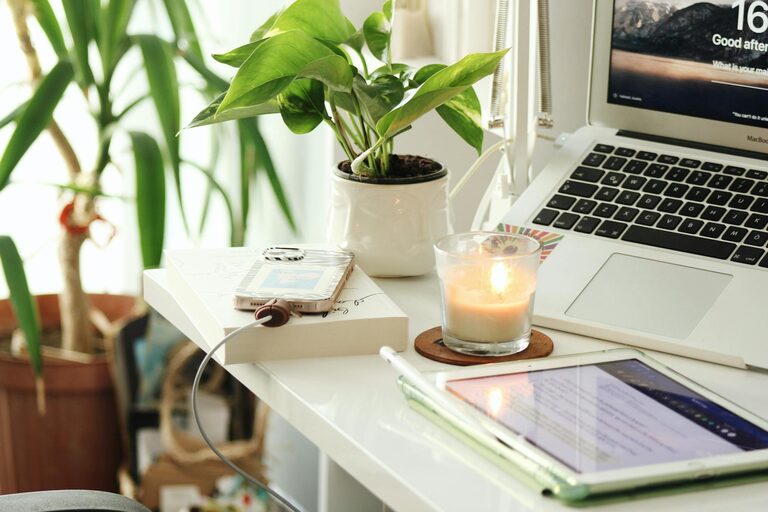
Creating a cozy and productive home office space is essential for anyone who works remotely or spends significant time handling tasks at home. A well-designed workspace can boost focus, reduce stress, and make your work routine more enjoyable. Here are some useful tips to help you set up a home office that balances comfort with efficiency.
Choose the Right Location
Find a Quiet Spot
Select a part of your home that is quiet and away from distractions such as the television or busy household areas. Having a dedicated space for work helps signal to your brain that it’s time to focus, improving productivity.
Consider Natural Light
Workspaces with natural light are proven to enhance mood and energy. If possible, set up your desk near a window for daylight exposure. If natural light is limited, invest in good artificial lighting to avoid eye strain.
Invest in Comfortable Furniture
Pick an Ergonomic Chair
Comfort is key in a home office. Choose an ergonomic chair that supports your back and encourages good posture. This reduces the risk of aches and discomfort during long work hours.
Opt for a Proper Desk
Your desk should be the right height to maintain a natural arm position while typing or writing. A clutter-free desk with enough surface area allows you to spread out materials and work comfortably.
Organize Your Space Efficiently
Use Storage Solutions
Keep your workspace tidy by incorporating storage options like shelves, drawers, or filing cabinets. This helps reduce clutter and makes it easier to find your work essentials.
Manage Cables and Equipment
Organize cables using clips or ties to prevent tangling. Position equipment like printers and chargers within reach but neatly arranged to maintain an efficient setup.
Personalize Your Workspace
Add Comforting Elements
Incorporate items that make you feel relaxed, such as cushions, rugs, or blankets. These elements add warmth and make your workspace inviting.
Include Plants
Plants not only beautify your desk but also improve air quality and boost mood. Choose easy-to-care-for plants like succulents or pothos.
Optimize for Productivity
Set Clear Boundaries
Create a mental and physical boundary between work and leisure areas. This can be as simple as closing a door or using a room divider to minimize distractions.
Use Noise Control
If noise disruption is a challenge, consider noise-canceling headphones or white noise machines. This helps maintain concentration during busy household hours.
Establish Routine and Scheduling
Designate work hours and take regular breaks to keep your energy levels stable. Using timers or apps can help you stick to your schedule.
Embrace Technology Wisely
Choose the Right Equipment
Equip your home office with reliable technology such as a good-quality monitor, keyboard, and mouse. Ensure your internet connection is stable to prevent work interruptions.
Use Productivity Tools
Utilize apps and programs for task management, note-taking, and time tracking. These tools aid in organizing your workload and enhancing efficiency.
Maintain Cleanliness and Air Quality
Keep Your Desk Clean
A clutter-free desk supports clear thinking. Wipe your workspace regularly and avoid accumulating unnecessary items.
Improve Air Circulation
Fresh air helps you stay alert. Open windows when possible or use a fan or air purifier to maintain air quality.
Final Thoughts
Setting up a cozy and productive home office doesn’t have to be complicated or expensive. Focus on creating an environment that supports your work habits and personal comfort. With thoughtful planning and simple adjustments, your workspace can become a place where you look forward to spending time every day.